Everything in one list
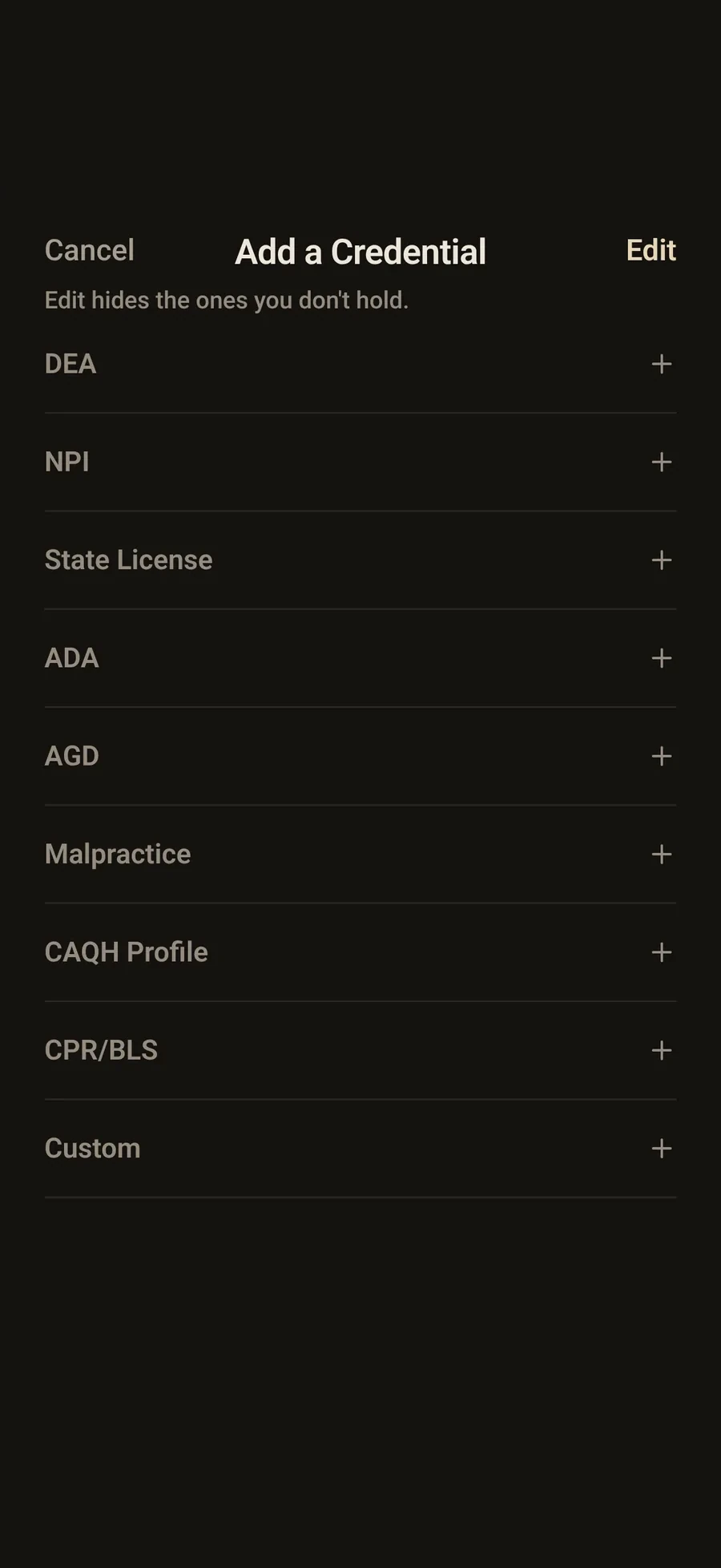
Keep your state license, DEA registration, CPR card, malpractice policy and NPI together.
Keep your state license, DEA registration, CPR card, malpractice policy and NPI together.
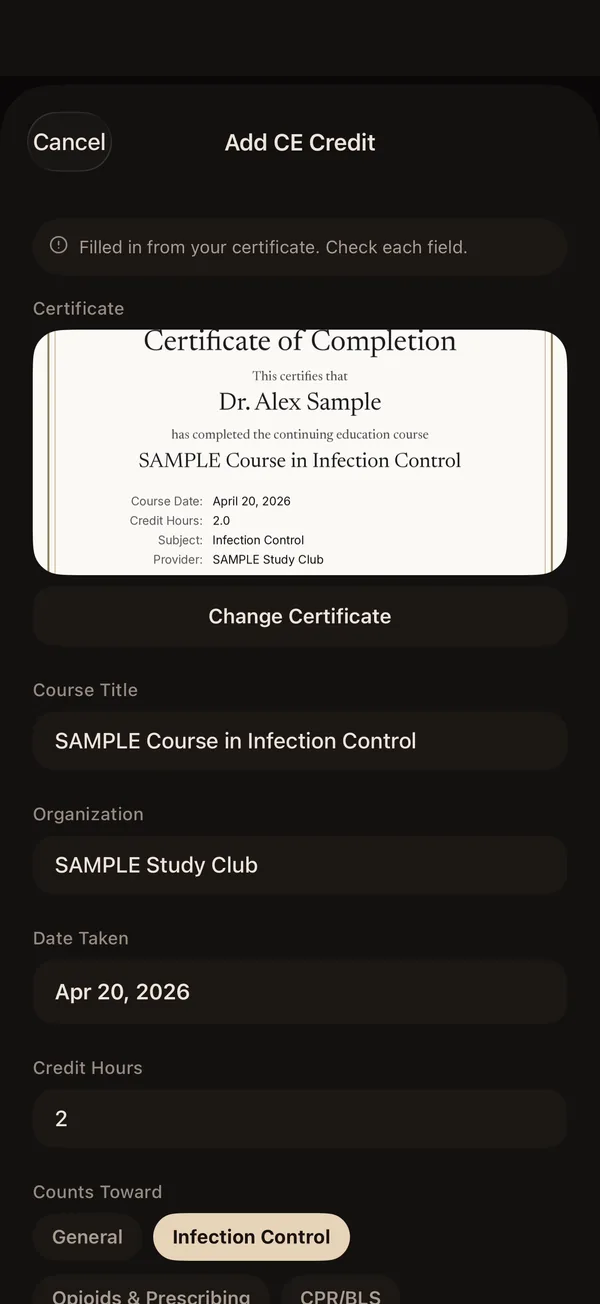
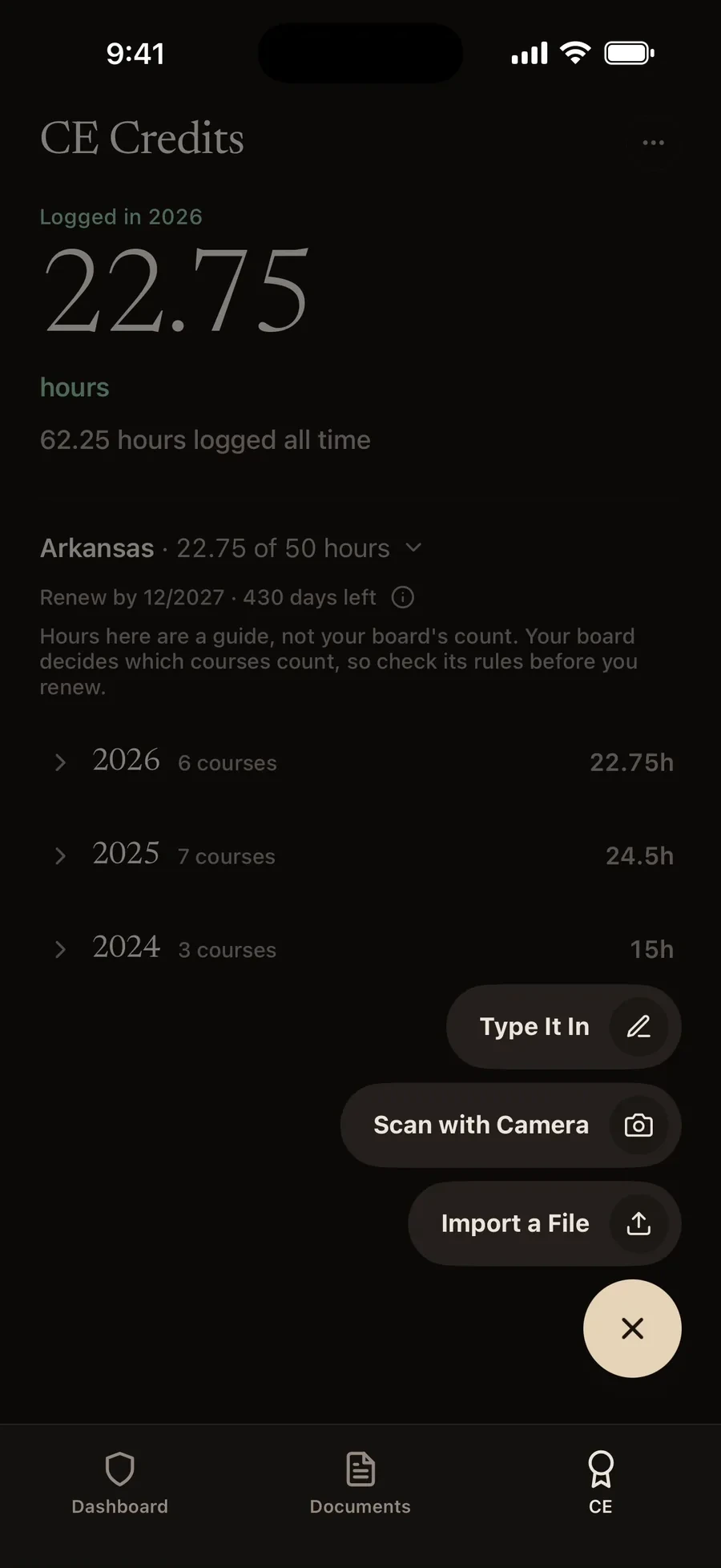
Scan a CE certificate on your iPhone. On device AI helps fill in the course, provider, date and hours for you to check.
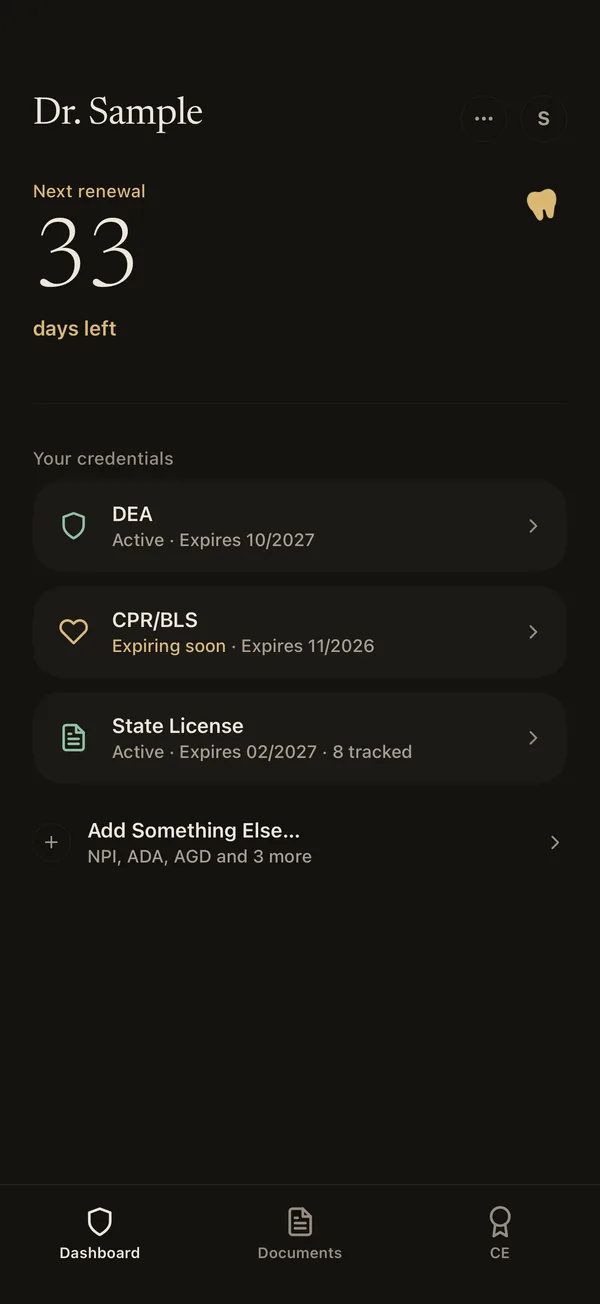
Your next renewal is always at the top, and reminders come well before the deadline.
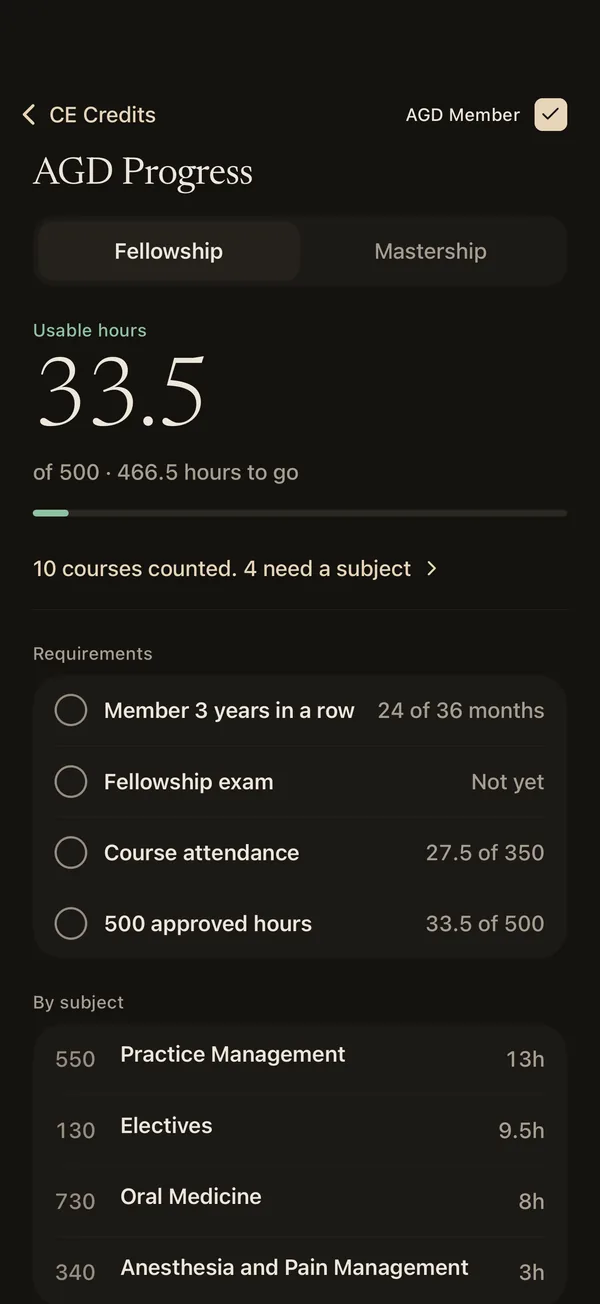
Log your courses and DentKey keeps a running total toward the AGD Fellowship and Mastership, sorted by subject so you can see what is left. These totals are a guide, and AGD makes the final call on your transcript.
Not affiliated with or endorsed by the Academy of General Dentistry. FAGD and MAGD are designations of the Academy of General Dentistry.
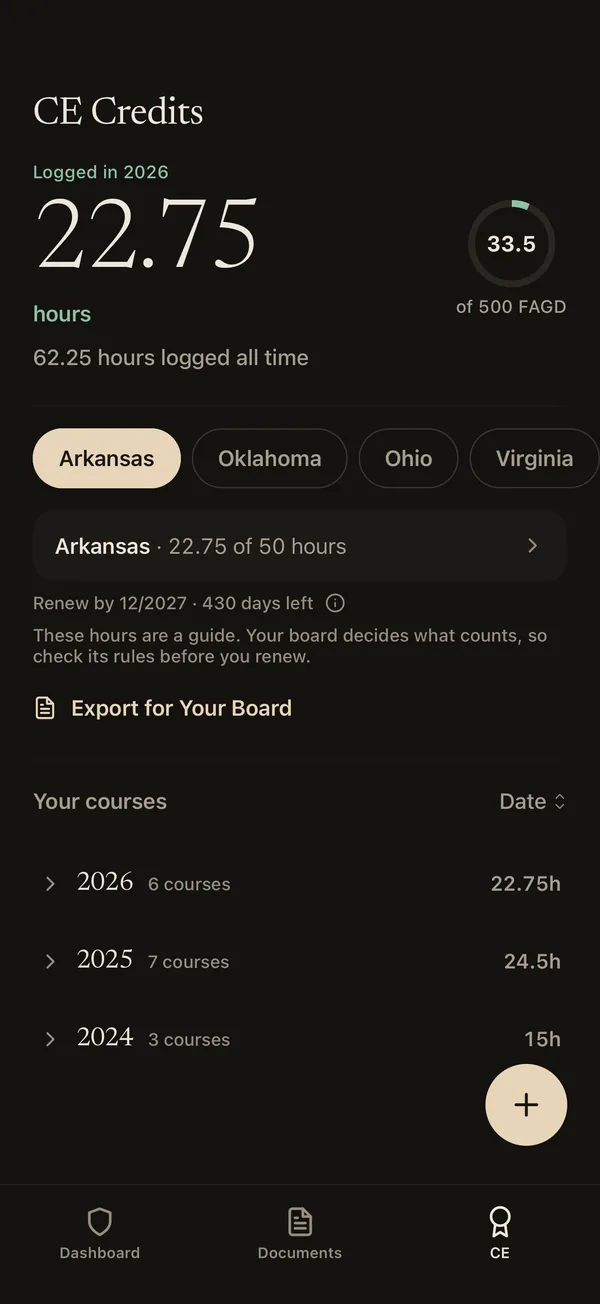
Pick the state you’re licensed in and DentKey fills in its CE hours, with a link to the board’s rules. See how close you are to renewal at a glance, and change the required hours anytime.
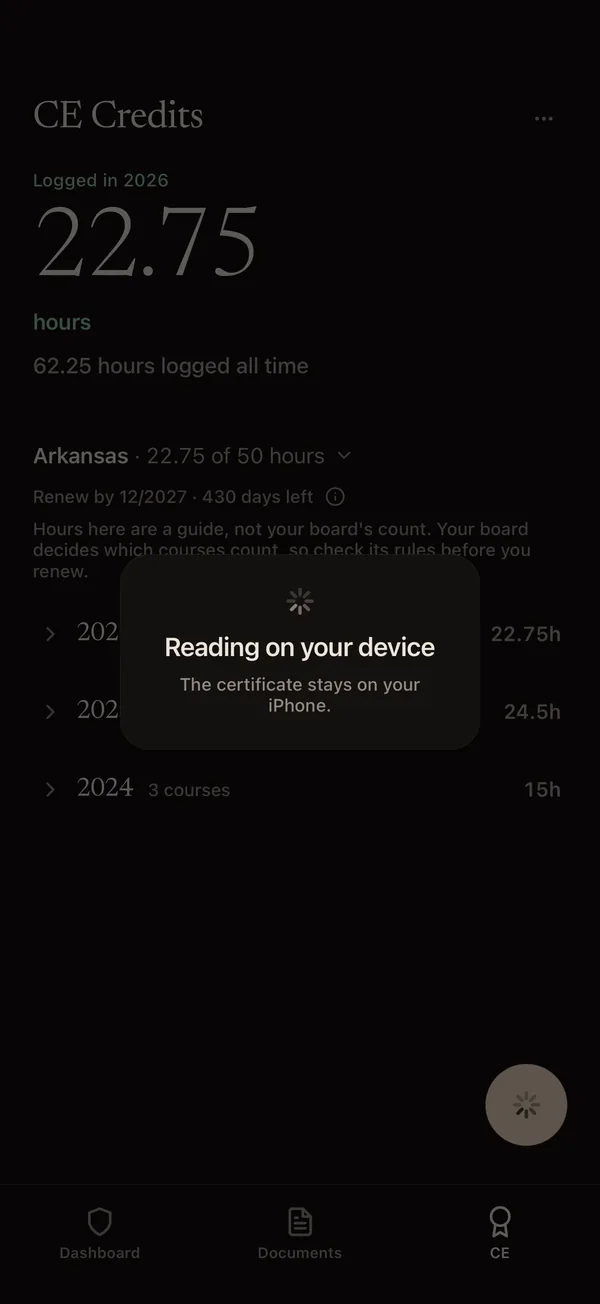
Point your camera at a CE certificate and DentKey reads it right on your iPhone, then suggests the course, provider, date and hours for you to check before you save.
State licenses, DEA, NPI, CPR and BLS, malpractice, CAQH, ADA, ADHA and AGD memberships, nitrous certifications and anesthesia licenses, and anything custom you need to track. Your next renewal is always at the top.
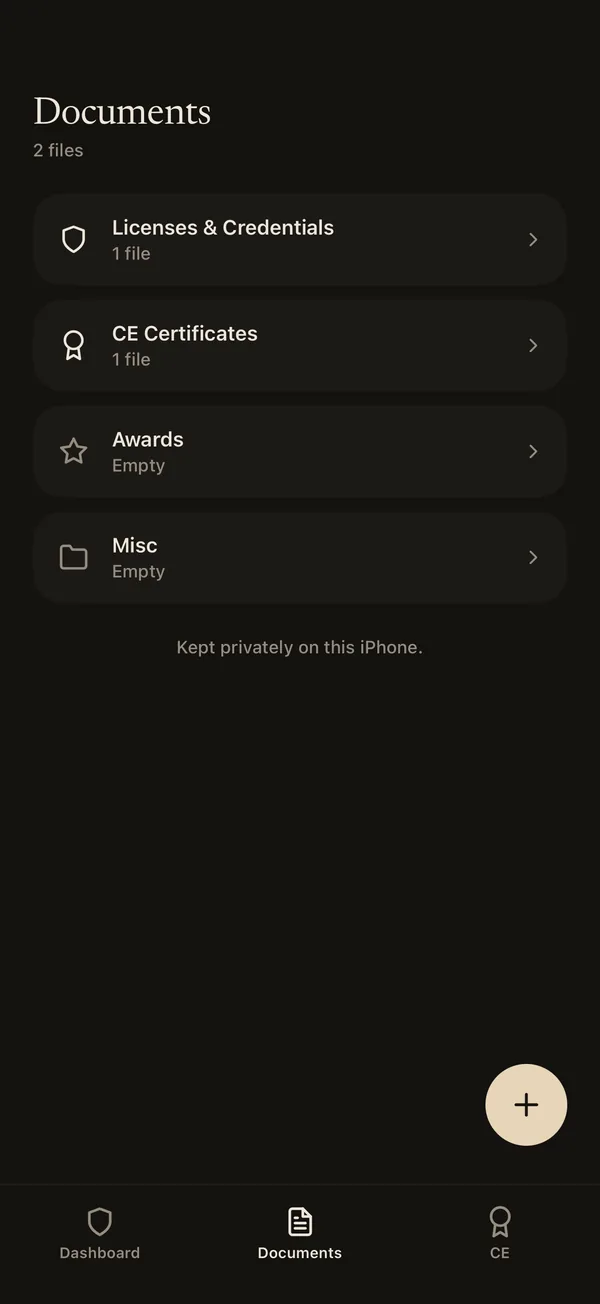
Keep license copies, CE certificates, awards and anything else in folders, private and encrypted on your iPhone.
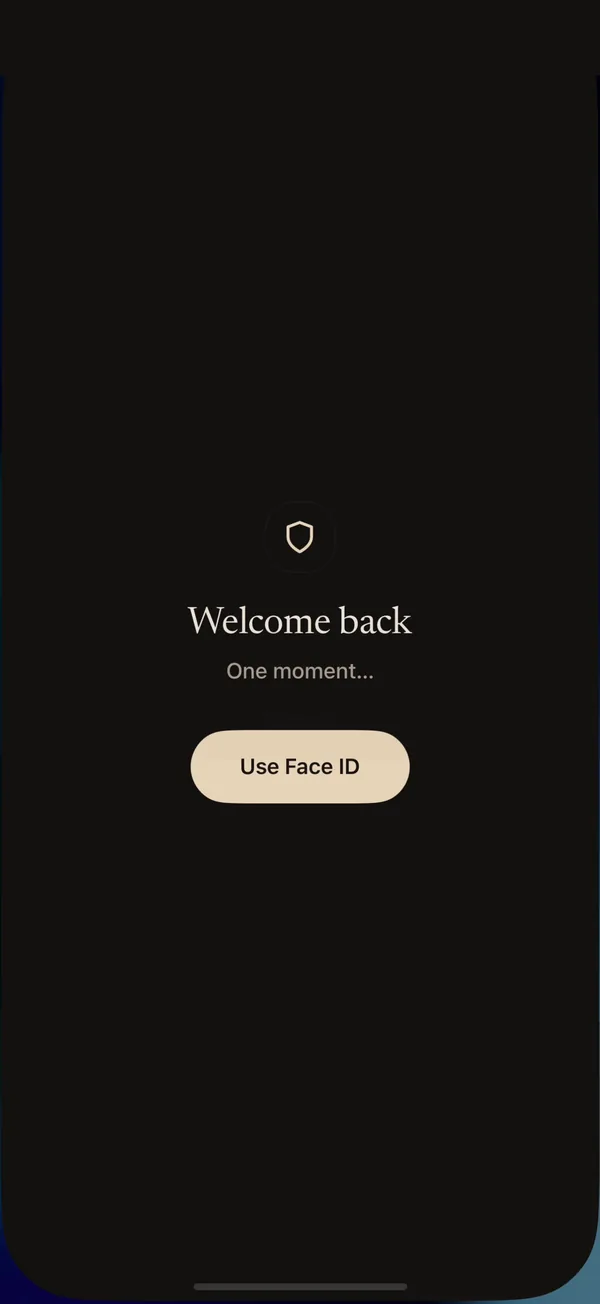
DentKey opens with Face ID or your passcode, so your records stay private if someone picks up your phone.
Pick the state you’re licensed in and your role, then add your license, DEA registration and certificates. DentKey suggests your board’s CE hour requirement, and you can change it anytime.
Snap a photo and on device AI helps fill in the details for you to check. Nothing is uploaded.
A countdown keeps your next renewal up top, and reminders arrive well before it’s due. You can add renewal dates to your Apple Calendar too.
Not yet. DentKey is finishing App Store review. Join the waitlist and we’ll email you the day it’s live.
Dentists and dental hygienists who want their licenses, registrations and CE hours in one place. It’s made for iPhone, and there’s no Android or iPad version.
There is no account, and nothing you save in DentKey is sent to us. Your records are stored and encrypted on your iPhone. The vault even works in airplane mode.
Tap scan and point your camera at a certificate. DentKey reads it on your iPhone, and on device AI helps fill in the course, provider, date and hours for you to check before you save.
No. Your certificate is read on your iPhone with Apple’s on device tools and is never uploaded to us or anyone else.
Yes, if you’ve made a backup in the app. Restore it on your new iPhone and everything comes back. Your records stay encrypted and we never receive a copy, so only you can open them.
In the app, open Profile and tap Export Backup, then choose a password. Send the file to yourself, install DentKey on the new phone and tap Restore Backup.
Yes, after a free trial. You can try everything for 3 days, then choose monthly or yearly through your Apple ID. You can cancel anytime in your iPhone settings. If your subscription ends, your records stay on your iPhone, locked until you subscribe again. Deleting the app deletes them.
In the app, open Profile and tap Report a Bug, or email us at [email protected]. Let us know which iPhone you have and which iOS version it’s on.